|
www.delorie.com/hobbyplat/edatools/
|
search
|
HobbyPlatform EDA Tools
I've done some work to integrate PCB and MUCS, plus add a trace
optimizer...
With these patches, you can use the Connections->MUCS Router menu
entry to invoke a small popup that configures and triggers the
anneal_tracker program from MUCS. It doesn't handle 45-degree lines,
polys, arcs, or other "unusual" board things yet, and assumes the two
SMD layers are called solder and component. It
doesn't handle layer groups.
You can also use the various trace optimizers in that menu. They are:
- AutoMagic
- Performs debumpify, unjaggy, orthopull, vianudge, and viatrim, in
that order, repeating until no further optimizations are performed.
- Debumpify
- Looks for U shaped traces that can be shortened or
eliminated.
- Unjaggy
- Looks for corners which could be flipped to eliminate one or more
corners (i.e. jaggy lines become simpler).
- Vianudge
- Looks for vias where all traces leave in the same direction.
Tries to move via in that direction to eliminate one of the traces
(and thus a corner).
- Viatrim
- Looks for traces that go from via to via, where moving that trace
to a different layer eliminates one or both vias.
- Orthopull
- Looks for chains of traces all going in one direction, with more
traces orthagonal on one side than on the other. Moves the chain in
that direction, causing a net reduction in trace length, possibly
eliminating traces and/or corners.
- Simple Optimizations
- Removing uneeded vias, replacing two or more trace segments in a
row with a single segment. This is usually performed automatically
after other optimizations.
- Miter
- Replaces 90 degree corners with a pair of 45 degree corners, to
reduce RF losses and trace length.
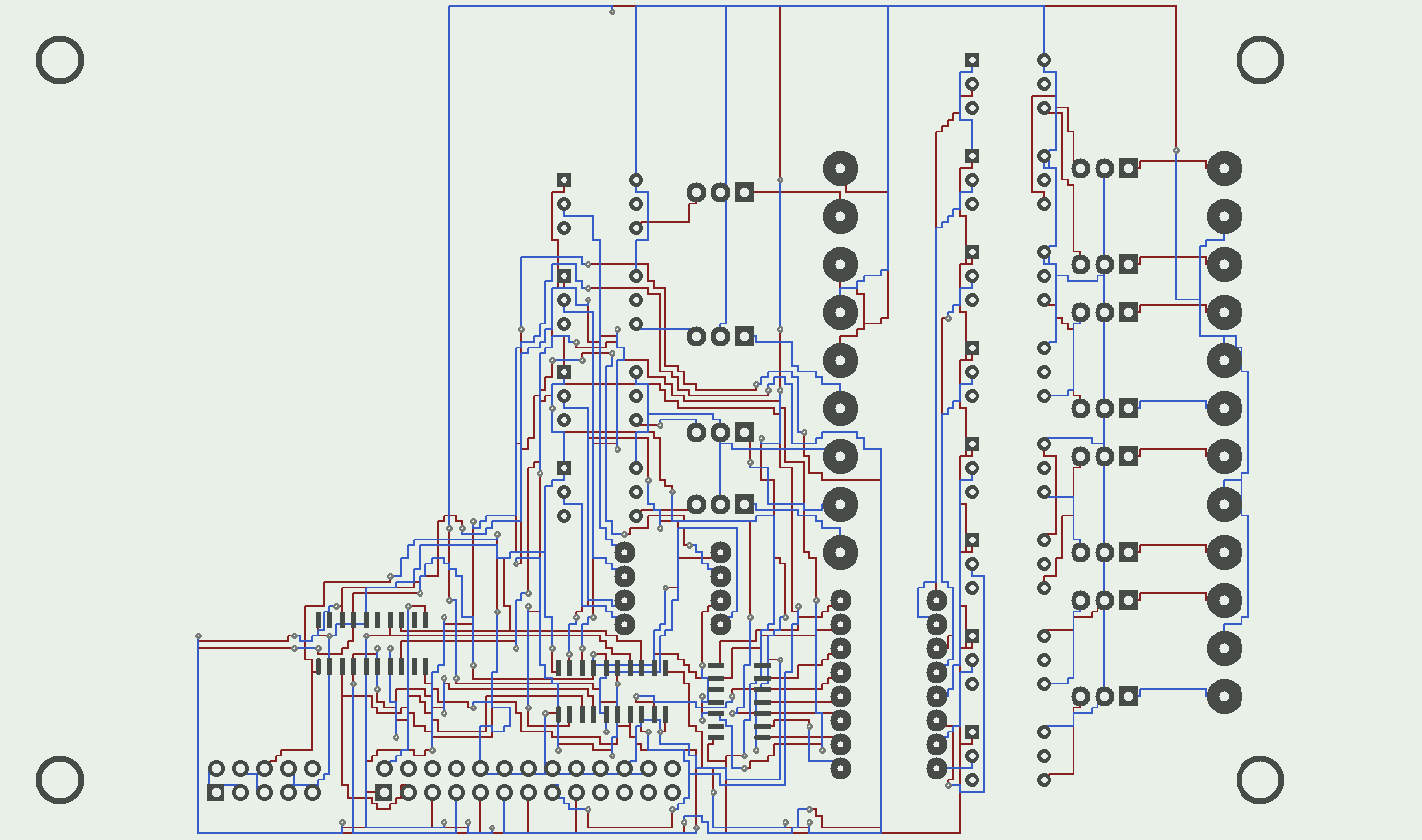
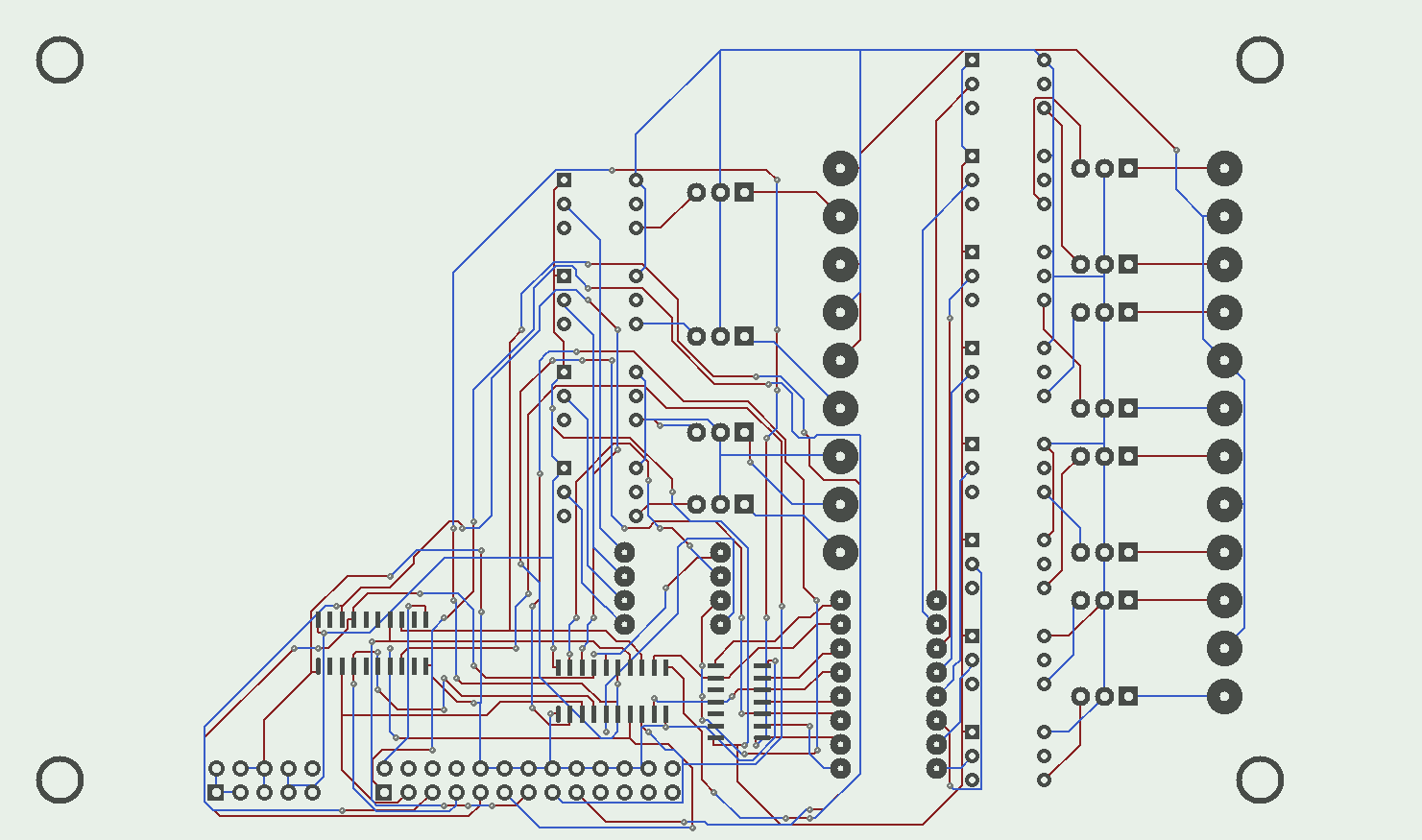
| Before | | After |
 | |
 |
| Click to see the whole board |
Some perl scripts for working with MUCS-PCB...
- pcb2track - reads .pcb, creates preplaced.
- track2pcb - reads trackeript and .pcb, creates .pcb.
- track2ps - reads trackeript or trackeropt, creates postscript.
Updates
04-Sep-2002 - added "pinsnap" pre-pass to line up traces
with pins. Modified vianudge to accept vias in mid-trace.